"The Stream Was Already Consumed": AddExtendedHttpClientLogging Breaks in Debug Builds
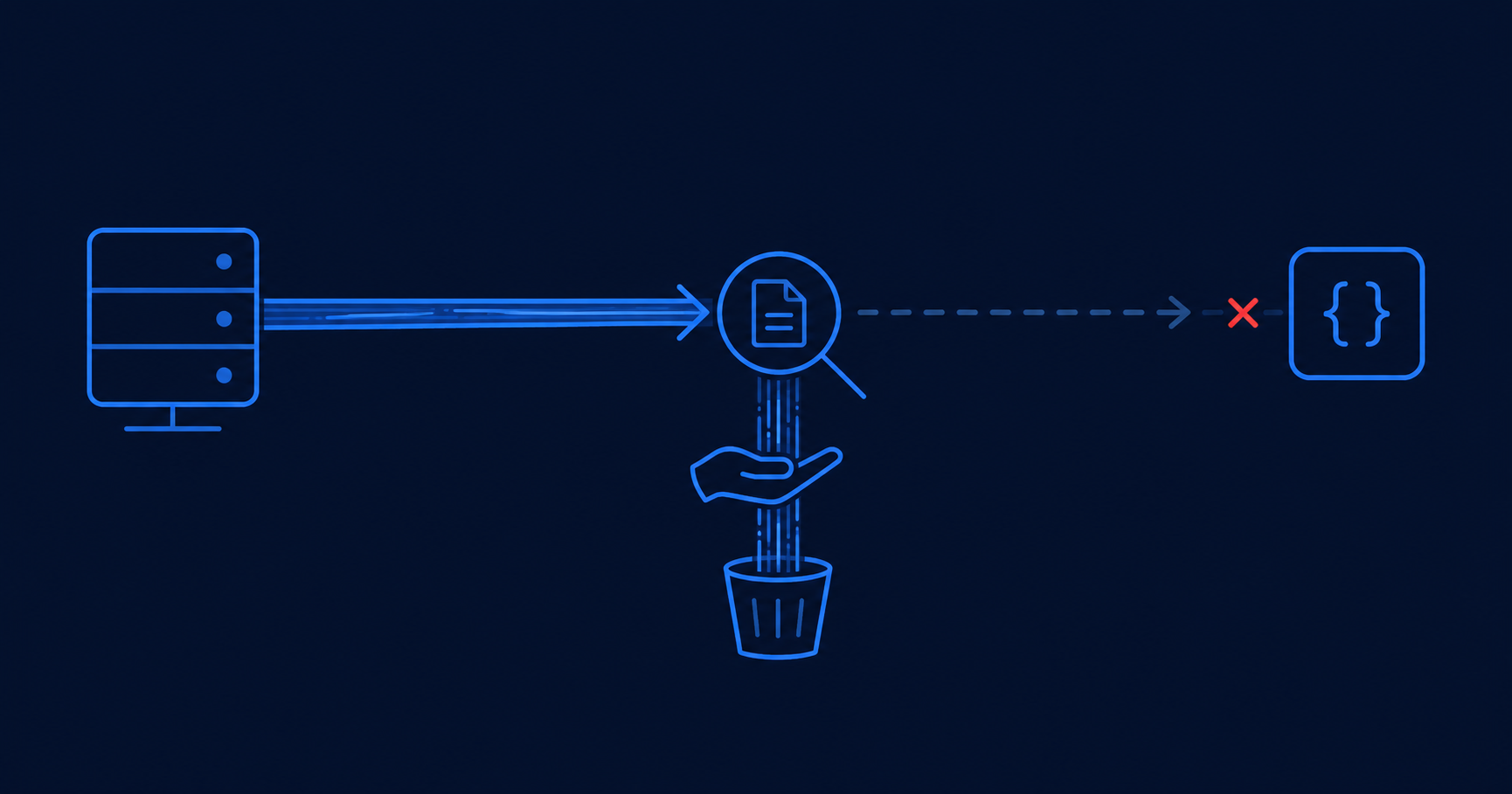
AddExtendedHttpClientLogging with LogBody = true made every HTTP response unreadable in my services - the logging handler consumes the content stream, and my code then throws "The stream was already consumed." It only happens in Debug builds, and only from Microsoft.Extensions.Http.Diagnostics 9.1 upwards - 9.0 is fine. Switching from GetAsync to SendAsync with HttpCompletionOption.ResponseHeadersRead restores the Release behaviour in Debug.I run a microservices solution on .NET 10 where services talk to each other synchronously over HttpClient. I wanted structured request and response logging across all of them, so I added the extended HTTP client logging from Microsoft.Extensions.Http.Diagnostics. Everything looked fine - until I ran it locally.
The tech stack
Worth being precise here, because the combination matters - swap any one of these and you may not see it.
| Component | Version / detail |
|---|---|
| Runtime | .NET 10 |
| Architecture | Microservices, synchronous service-to-service HTTP calls |
| HTTP client | HttpClient resolved through IHttpClientFactory |
| Logging package | Microsoft.Extensions.Http.Diagnostics 9.1+ (reproduced on 10.x too). Not on 9.0. |
| Registration | AddExtendedHttpClientLogging with LogBody = true, plus AddRedaction(), which it requires |
| Call style | GetAsync / PostAsJsonAsync - both default to HttpCompletionOption.ResponseContentRead |
| Build configuration | Debug - Release does not reproduce it |
The exception
As soon as the caller reads the response body, in Debug:
System.InvalidOperationException:
  The stream was already consumed. It cannot be read again.
It does not come from my deserialisation code. It comes from reading HttpResponseMessage.Content a second time - the first read having been done by the diagnostics handler to log the body.
The configuration and the code that triggers it
The handler only reads the body if you ask it to. LogBody is the switch; the rest bound how much it reads and which content types it treats as text.
// Required by AddExtendedHttpClientLogging - it will not
// resolve its dependencies without the redaction services.
builder.Services.AddRedaction();

builder.Services.AddHttpClient("ReproClient")
    .AddExtendedHttpClientLogging(options =>
    {
        options.LogBody = true;                    // <- reads the body
        options.BodySizeLimit = 1024;              // max bytes read for logging
        options.BodyReadTimeout = TimeSpan.FromSeconds(5);
        options.RequestBodyContentTypes.Add("application/json");
        options.ResponseBodyContentTypes.Add("application/json");
    });
And the calling code, which is about as ordinary as it gets:
// GetAsync defaults to HttpCompletionOption.ResponseContentRead
using var response = await client.GetAsync($"{ApiUrl}/events");
response.EnsureSuccessStatusCode();

var raw = await response.Content.ReadAsStreamAsync();   // throws in Debug
var events = await JsonSerializer.DeserializeAsync<List<Event>>(
    raw, new JsonSerializerOptions { PropertyNameCaseInsensitive = true });
Debug fails, Release works
This is the detail that cost me the most time, and the one worth remembering even if you never touch this package. The exact same code, same configuration, same package version: Debug throws, Release does not.
It behaves like a heisenbug. It disappears when you publish, so you start doubting the diagnosis; it comes back the moment you run locally, so you cannot ignore it. And if you write a small reproduction and happen to run it in Release, you conclude the problem is somewhere else entirely and go hunting for exotic causes.
BodyReadTimeout. I have not proven that is the mechanism, but it is the first thing I would test.Narrowing it to the package version
Testing across versions put the boundary in a clear place: the failure appears from Microsoft.Extensions.Http.Diagnostics 9.1 upwards, including the 10.x releases. On 9.0 the same code, in the same Debug build, works.
So pinning the package to 9.0 is a valid fallback if you would rather not change your calling code. It just means giving up whatever else those versions brought.
The fix
What restored Debug to behaving like Release was to stop asking HttpClient to read the whole response before handing it back. GetAsync and PostAsJsonAsync use ResponseContentRead - "complete after reading the entire response including the content". Dropping to SendAsync with ResponseHeadersRead - "complete as soon as a response is available and headers are read; the content is not read yet" - leaves the stream readable for both the handler and my code.
using var request =
    new HttpRequestMessage(HttpMethod.Get, $"{ApiUrl}/events");

using var response = await client.SendAsync(
    request, HttpCompletionOption.ResponseHeadersRead);
response.EnsureSuccessStatusCode();

var raw = await response.Content.ReadAsStreamAsync();   // works
var events = await JsonSerializer.DeserializeAsync<List<Event>>(
    raw, new JsonSerializerOptions { PropertyNameCaseInsensitive = true });
Note what did not change: the logging configuration is identical in both versions. Only the way HttpClient is invoked differs.
ResponseHeadersRead. The docs warn that with this option, HttpClient.Timeout "applies only up to where the headers end and the content starts". Reading the content is no longer covered by that timeout, so guard the body read yourself - a CancellationToken from a CancellationTokenSource with its own deadline.Reproducing it
The reproduction needs nothing exotic - no OAuth handler, no retry policy, no unusual payload. Two projects are enough:
- ReproApi - an ASP.NET Core Web API exposing a single
/eventsendpoint that returns JSON. - ReproClient - a console app calling it through
IHttpClientFactory, with the same package version and the sameAddExtendedHttpClientLoggingconfiguration.
The client has a single ApplyFix flag at the top. Leave it false to take the GetAsync path and watch it throw; set it to true to take the SendAsync path and watch the same call succeed. Then run the whole thing in Release and the failing path stops failing.
// ReproClient/Program.cs
//   false -> BUG: client.GetAsync(url)   (ResponseContentRead, the default)
//   true  -> FIX: client.SendAsync(request, ResponseHeadersRead)
const bool ApplyFix = false;
The full reproduction is on GitHub if you want to run it yourself: viorelbuligadev/StreamConsumedRepro.
If you hit this too, it is worth reporting to dotnet/extensions, which owns the package - with the version, the logging configuration, and above all the fact that it is Debug-only.
Frequently asked questions
With LogBody enabled, the diagnostics handler reads the response content stream in order to log it. When the caller then reads HttpResponseMessage.Content again, the stream has already been consumed and the second read throws. It shows up with the default ResponseContentRead completion option used by GetAsync and PostAsJsonAsync.
That is the observed behaviour: the same code throws in a Debug build and succeeds in a Release one. I have not proven the mechanism. Debug and Release differ in JIT optimisation and therefore in timing, which is enough to affect anything timing-sensitive - and this handler has a timing knob in BodyReadTimeout. That is a hypothesis to test, not a conclusion. The practical takeaway: if a failure will not reproduce in a clean project, check the build configuration first.
Microsoft.Extensions.Http.Diagnostics from 9.1 upwards, including 10.x, on .NET 10. Version 9.0 does not reproduce it, so pinning to 9.0 is a valid fallback if you would rather not change your calling code.
Yes. With ResponseHeadersRead, HttpClient.Timeout only covers reading the headers, not the body. You must enforce a timeout on the content read yourself, typically with a CancellationToken carrying its own deadline. Otherwise a server that returns headers promptly but stalls on the content can hang the read.
Setting LogBody to false does avoid the problem, since nothing reads the body for logging. It is the right fix if you do not need response bodies in your logs. If you do need them, the SendAsync plus ResponseHeadersRead change keeps both the logging and your own read working.